
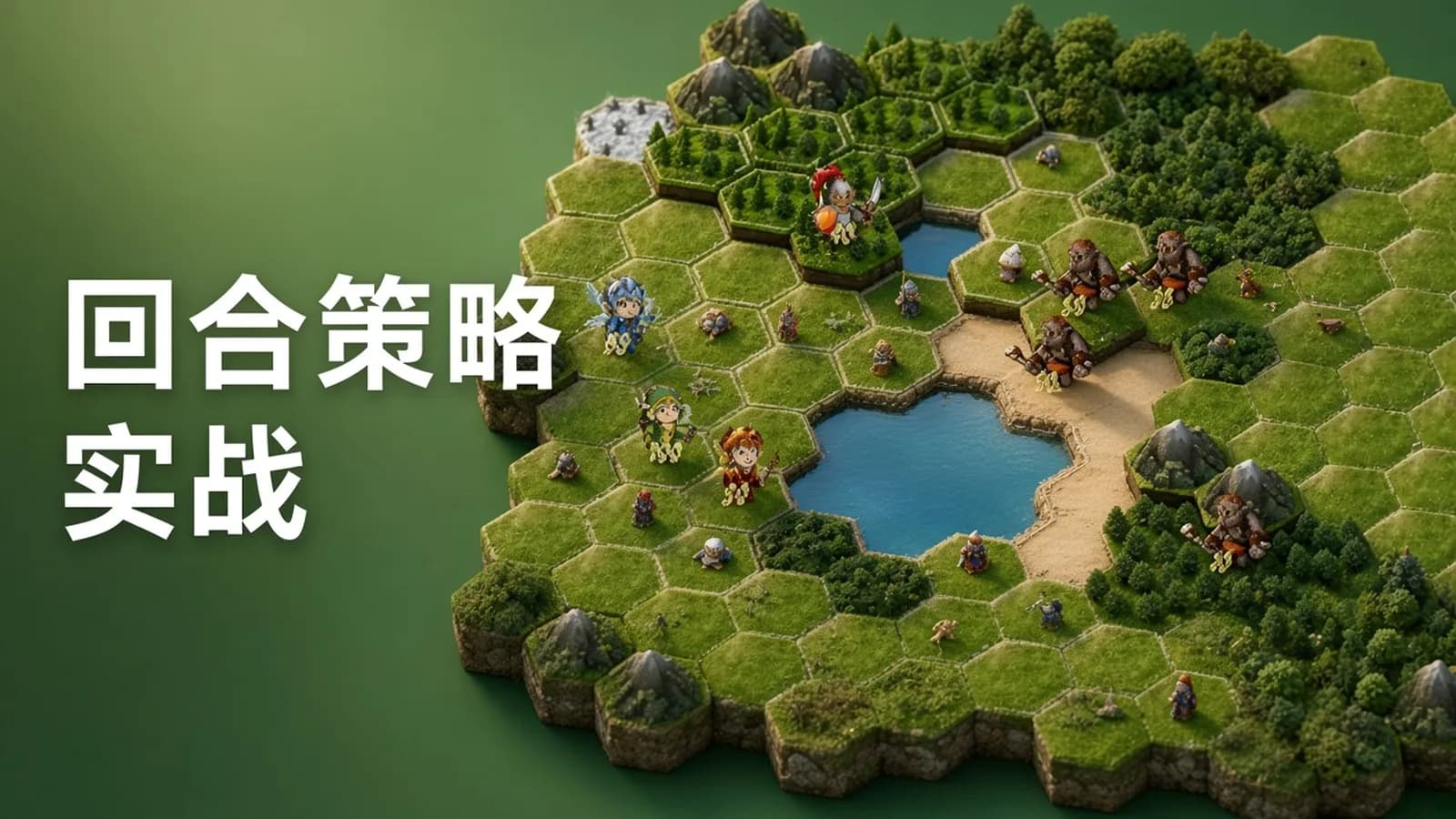
使用Unity引擎创建回合制策略游戏 | Creating turn-based game, Unity Engine
来自 网络整理·免费领取学习资源
5,685 领取 · 6,680 收藏更新于 2026年9月20日
这份资料来自网络整理2026年的付费VIP课,内容以视频为主,对应《使用Unity引擎创建回合制策略游戏 | Creating turn-based game, Unity Engine》。官网需要单独购买,有集上可以免费领取。
资源介绍:
我们都记得并喜爱《魔法门之英雄无敌》系列。战术战斗是智能格斗游戏的巅峰。任何人都可以从零开始创建游戏。我们将一起证明这一点。这门课程涉及的内容是关于创意、C#和Unity3D。所有这些都将节省你的时间
从零开始创建一些严肃的东西
Unity 2019,可升级到2020
涉及的主题:
创意:
如何找到可用的位置?
如何避开障碍物移动英雄?
如何区分盟友和敌人?
如何区分沙漠、沼泽和草地?
如何管理脚本?
如何定义最佳路径?
如何可视化伤害?
如何创建远程攻击?
敌方AI如何做出决策?
如何管理回合和轮次?
如何放置盟友军团?
如何让飞行英雄飞越水域和山脉?
Unity 和 C# 主题
面向对象编程的基础知识
动画
条件语句、循环
变量、属性和类型
类和对象
画布和图像,锚点和屏幕分辨率
精灵渲染器、变换、矩形变换组件
预制体
粒子系统
数组和列表,多维数组,交错数组
接口
抽象类
可脚本化对象
设计模式
人工智能
代码架构
移动
最佳路径
可滚动存储
回合和轮次
C#方法,ref、out、in
精灵渲染器
序列化
协程
等等
课程目录
- 1. Creating the Battlefield
- 1. Project Plan.en.srt
- 1. Project Plan
- 1. Project Plan.srt
- 10. Canvas, Transform, RectTransform.en.srt
- 10. Canvas, Transform, RectTransform
- 10. Canvas, Transform, RectTransform.srt
- 10.1 1_07.unitypackage
- 11. Hexes Prefabs.en.srt
- 11. Hexes Prefabs
- 11. Hexes Prefabs.srt
- 11.1 8-01 Resources
- 12. Creating Battlefield.en.srt
- 12. Creating Battlefield
- 12. Creating Battlefield.srt
- 12.1 1_09.unitypackage
- 13. Else-If Statement, Ternary Operator.en.srt
- 13. Else-If Statement, Ternary Operator
- 13. Else-If Statement, Ternary Operator.srt
- 13.1 Else_If_Unity_2020.unitypackage
- 14. Basics of OOP encapsulation, inheritance, polymorphism.en.srt
- 14. Basics of OOP encapsulation, inheritance, polymorphism
- 14. Basics of OOP encapsulation, inheritance, polymorphism.srt
- 15. Access Modifiers.en.srt
- 15. Access Modifiers
- 15. Access Modifiers.srt
- 15.1 V1_14_AM.unitypackage
- 16. Methods. Parameters. Ref, In, Out.en.srt
- 16. Methods. Parameters. Ref, In, Out
- 16. Methods. Parameters. Ref, In, Out.srt
- 16.1 V15_Methods.unitypackage
- 17. Hero Prefab.en.srt
- 17. Hero Prefab
- 17. Hero Prefab.srt
- 17.1 1_13.unitypackage
- 17.2 Fairy
- 18. Animation.en.srt
- 18. Animation
- 18. Animation.srt
- 19. For Loop.en.srt
- 19. For Loop
- 19. For Loop.srt
- 2. Installing Unity and Visual Studio.en.srt
- 2. Installing Unity and Visual Studio
- 2. Installing Unity and Visual Studio.srt
- 20. Array, Two-Dimensional Array.en.srt
- 20. Array, Two-Dimensional Array
- 20. Array, Two-Dimensional Array.srt
- 21. Coordinate System.en.srt
- 21. Coordinate System
- 21. Coordinate System.srt
- 21.1 1_17.unitypackage
- 21.2 Scripts
- 22. Enumeration.en.srt
- 22. Enumeration
- 22. Enumeration.srt
- 23. Foreach loop.en.srt
- 23. Foreach loop
- 23. Foreach loop.srt
- 23.1 1_19.unitypackage
- 23.2 Scripts
- 24. All about UI Button.en.srt
- 24. All about UI Button
- 24. All about UI Button.srt
- 24.1 M1_V10.unitypackage
- 3. Extra Lecture. Canvas.en.srt
- 3. Extra Lecture. Canvas
- 3. Extra Lecture. Canvas.srt
- 3.1 V4_P1.unitypackage
- 4. Creating the first object.en.srt
- 4. Creating the first object
- 4. Creating the first object.srt
- 4.1 hex v3
- 5. UI Image.en.srt
- 5. UI Image
- 5. UI Image.srt
- 5.1 UIImageAdd.unitypackage
- 6. Positioning GameObjects.en.srt
- 6. Positioning GameObjects
- 6. Positioning GameObjects.srt
- 7. Variables. Value and Reference types.en.srt
- 7. Variables. Value and Reference types
- 7. Variables. Value and Reference types.srt
- 8. Extra lecture. Prefabs (Unity 2020).en.srt
- 8. Extra lecture. Prefabs (Unity 2020)
- 8. Extra lecture. Prefabs (Unity 2020).srt
- 8.1 M1_V7pack.unitypackage
- 9. Creating Hex Prefab.en.srt
- 9. Creating Hex Prefab
- 9. Creating Hex Prefab.srt
- 2. Movement
- 1. ListT.en.srt
- 1. ListT
- 1. ListT.srt
- 10. Optimal Path, p.2.en.srt
- 10. Optimal Path, p.2
- 10. Optimal Path, p.2.srt
- 10.1 2-29.unitypackage
- 10.2 Scripts
- 11. Movement, p.1, Time.deltaTime.en.srt
- 11. Movement, p.1, Time.deltaTime
- 11. Movement, p.1, Time.deltaTime.srt
- 11.1 2-30.unitypackage
- 11.2 Scripts
- 12. Movement, p.2.en.srt
- 12. Movement, p.2
- 12. Movement, p.2.srt
- 12.1 2-31.unitypackage
- 12.2 Scripts
- 13. Movement, p.3, Ground Regiment.en.srt
- 13. Movement, p.3, Ground Regiment
- 13. Movement, p.3, Ground Regiment.srt
- 13.1 2-32.unitypackage
- 13.2 Scripts
- 2. Adjacent hexes.en.srt
- 2. Adjacent hexes
- 2. Adjacent hexes.srt
- 2.1 Scripts
- 3. Start, Awake, Update functions.en.srt
- 3. Start, Awake, Update functions
- 3. Start, Awake, Update functions.srt
- 4. Static classes and members.en.srt
- 4. Static classes and members
- 4. Static classes and members.srt
- 4.1 Scripts
- 5. Available Positions.en.srt
- 5. Available Positions
- 5. Available Positions.srt
- 5.1 2-24.unitypackage
- 5.2 new frames
- 5.3 Scripts
- 6. Inheritance.en.srt
- 6. Inheritance
- 6. Inheritance.srt
- 6.1 Scripts
- 7. Interface.en.srt
- 7. Interface
- 7. Interface.srt
- 7.1 Scripts
- 8. Properties.en.srt
- 8. Properties
- 8. Properties.srt
- 8.1 Property.unitypackage
- 9. Optimal Path, p.1.en.srt
- 9. Optimal Path, p.1
- 9. Optimal Path, p.1.srt
- 3. Scrollable Bar
- 1. Scriptable Objects, Serialization.en.srt
- 1. Scriptable Objects, Serialization
- 1. Scriptable Objects, Serialization.srt
- 1.1 Scripts
- 10. Enemy Deployment.en.srt
- 10. Enemy Deployment
- 10. Enemy Deployment.srt
- 10.1 2-42-V.unitypackage
- 10.2 Scripts
- 11. Start Button.en.srt
- 11. Start Button
- 11. Start Button.srt
- 11.1 Scripts
- 12. Completing Hero Prefabs.en.srt
- 12. Completing Hero Prefabs
- 12. Completing Hero Prefabs.srt
- 12.1 3-44.unitypackage
- 12.2 Scripts
- 2. Abstract classes.en.srt
- 2. Abstract classes
- 2. Abstract classes.srt
- 2.1 Scripts
- 3. Heroes.en.srt
- 3. Heroes
- 3. Heroes.srt
- 3.1 2-35.unitypackage
- 3.2 Sprites
- 4. Scroll Rect, Grid Layout Group.en.srt
- 4. Scroll Rect, Grid Layout Group
- 4. Scroll Rect, Grid Layout Group.srt
- 4.1 2-36.unitypackage
- 4.2 Scripts
- 4.3 Storage
- 5. Instantiate method.en.srt
- 5. Instantiate method
- 5. Instantiate method.srt
- 5.1 icon
- 5.2 Scripts
- 6. UI Button.en.srt
- 6. UI Button
- 6. UI Button.srt
- 7. OnMouseDown method.en.srt
- 7. OnMouseDown method
- 7. OnMouseDown method.srt
- 8. Observer Pattern, Destroy method.en.srt
- 8. Observer Pattern, Destroy method
- 8. Observer Pattern, Destroy method.srt
- 8.1 Scripts
- 9. Delegates.en.srt
- 9. Delegates
- 9. Delegates.srt
- 9.1 Scripts
- 4. The Battle
- 1. The Attacking Regiment.en.srt
- 1. The Attacking Regiment
- 1. The Attacking Regiment.srt
- 1.1 Scripts
- 10. AI Calculates distance.en.srt
- 10. AI Calculates distance
- 10. AI Calculates distance.srt
- 11. AI makes a decision.en.srt
- 11. AI makes a decision
- 11. AI makes a decision.srt
- 12. AI attacks.en.srt
- 12. AI attacks
- 12. AI attacks.srt
- 13. Turns and Rounds.en.srt
- 13. Turns and Rounds
- 13. Turns and Rounds.srt
- 14. Game Over.en.srt
- 14. Game Over
- 14. Game Over.srt
- 14.1 58 final.unitypackage
- 14.2 Scripts
- 14.3 sprites
- 2. Melee fighter looks for target.en.srt
- 2. Melee fighter looks for target
- 2. Melee fighter looks for target.srt
- 2.1 Scripts
- 3. Ranged fighter looks for target.en.srt
- 3. Ranged fighter looks for target
- 3. Ranged fighter looks for target.srt
- 3.1 Scripts
- 4. The Melee fighter attacks.en.srt
- 4. The Melee fighter attacks
- 4. The Melee fighter attacks.srt
- 5. Coroutine.en.srt
- 5. Coroutine
- 5. Coroutine.srt
- 6. Particle System.en.srt
- 6. Particle System
- 6. Particle System.srt
- 6.1 Arrow Sprites
- 7. The Arrow’s flight.en.srt
- 7. The Arrow’s flight
- 7. The Arrow’s flight.srt
- 7.1 51.unitypackage
- 8. The Mage Ball.en.srt
- 8. The Mage Ball
- 8. The Mage Ball.srt
- 8.1 52.unitypackage
- 9. AI looks for positions to occupy.en.srt
- 9. AI looks for positions to occupy
- 9. AI looks for positions to occupy.srt
- 9.1 53 final.unitypackage
- 5. Bonus Section
- 1. Constructors Random hex-tiled Field.en.srt
- 1. Constructors Random hex-tiled Field
- 1. Constructors Random hex-tiled Field.srt
- 1.1 Constructors
- 1.2 Constructors.unitypackage
- 2. Correct understanding of the Lerp method.en.srt
- 2. Correct understanding of the Lerp method
- 2. Correct understanding of the Lerp method.srt
- 2.1 M_19_Lerp1.unitypackage
- 3. Correct understanding of the Lerp method-2.en.srt
- 3. Correct understanding of the Lerp method-2
- 3. Correct understanding of the Lerp method-2.srt
- 3.1 Lerp_2_1.unitypackage
- 3.2 Lerp2_2.unitypackage
- 4. Realistic arrow flight in an arc.en.srt
- 4. Realistic arrow flight in an arc
- 4. Realistic arrow flight in an arc.srt
- 4.1 ToCourse.unitypackage
- 5. Catapult Fires. Physics2D.en.srt
- 5. Catapult Fires. Physics2D
- 5. Catapult Fires. Physics2D.srt
- 5.1 Catap.unitypackage
包含内容
- · 1. Creating the Battlefield
- · 1. Project Plan.en.srt
- · 1. Project Plan
- · 1. Project Plan.srt
- · 10. Canvas, Transform, RectTransform.en.srt
- · 10. Canvas, Transform, RectTransform
- · 10. Canvas, Transform, RectTransform.srt
- · 10.1 1_07.unitypackage